If you are typing on your MacBook and half the letters just don’t show up on screen, you are not going crazy. This is a very common problem and lots of people in Lower Hutt face this every week. You press “e” ten times and only three “e” show up or you type a whole sentence and words are just missing from the middle. It is very frustrating, especially when you are typing something important like a work email or assignment.

In this article we will talk about why this happens and what you can actually do about it. At some point you might need a proper macbook keyboard replacement lower hutt, we will talk about that too.
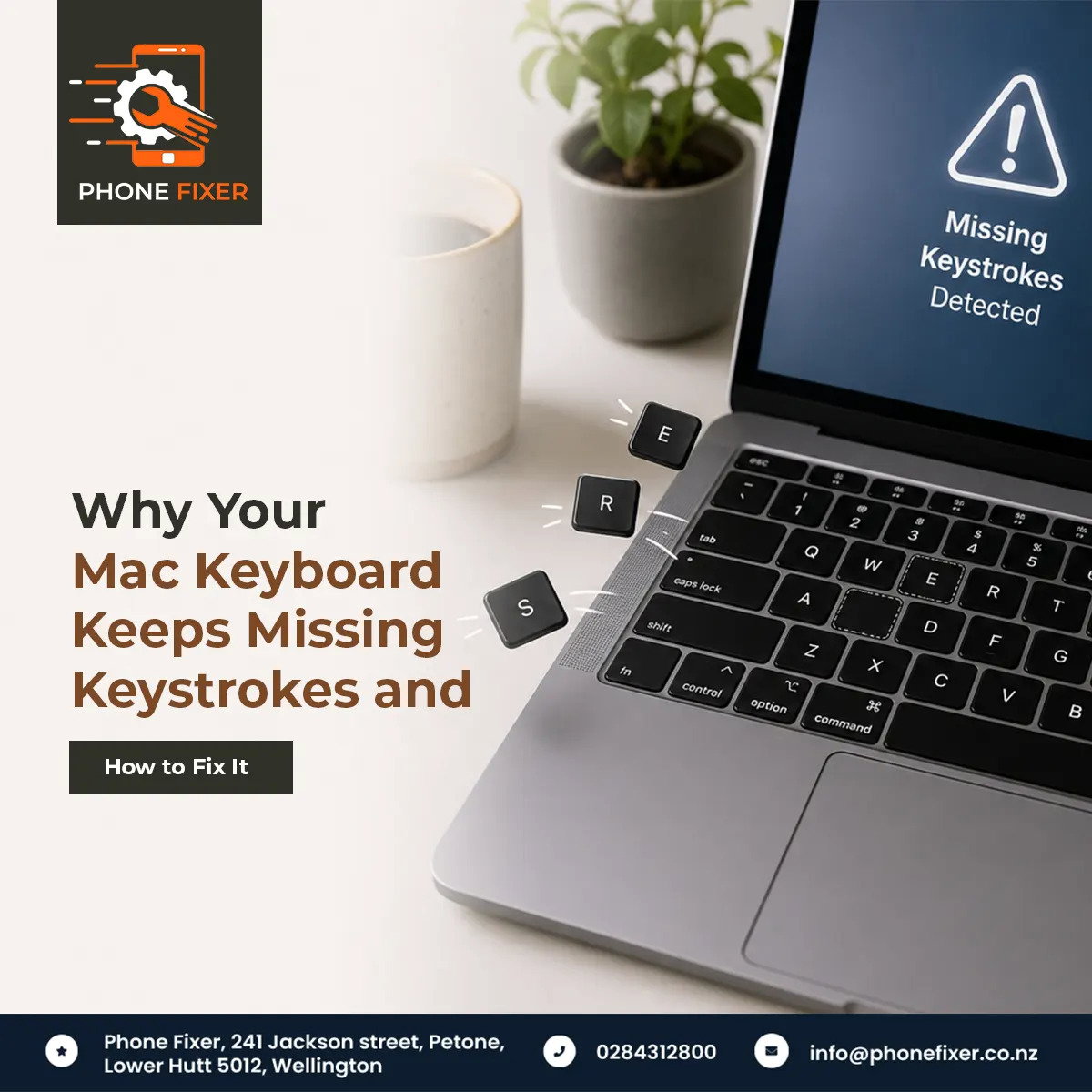
Why Your Mac Keyboard Keeps Missing Keystrokes and How to Fix It


What Actually Causes Missing Keystrokes

There are few common reasons your keys stop working properly:

  1. Dust and crumbs – Sounds simple but dust is a big enemy of Mac keyboards. Crumbs, hair, small dust particles, they all go under the keys and stop the key from pressing down fully.
  2. Liquid damage – Maybe you spilled tea or coffee near the keyboard, even a small drop. The liquid goes inside and dries up, and now some keys stick or don’t respond at all.
  3. Butterfly keyboard design – Some older MacBook models used this design and it was known for failing easily. Even one small dust particle could make a key stop working completely.
  4. Normal wear and tear – You are typing on this thing every day for hours. Keys are mechanical parts, they wear out over time like anything else.

Sometimes it’s just one of these reasons, sometimes it’s a mix of two or three together. That’s why the problem feels random some days.


Software Problem or Hardware Problem

Before you think about Macbook pro keyboard replacement lower hutt, first check if it’s actually a software issue. Sometimes the problem is not with the keyboard at all, it’s with your Mac settings.Here’s a quick checklist to try:

  • Go to System Settings, then Keyboard, and check the key repeat settings
  • Restart your Mac fully (sounds too simple but fixes half the problems)
  • Try typing in different apps – Notes, Pages, Safari search bar
  • Check if any extension or app is running in background and interfering
  • Plug in an external USB or Bluetooth keyboard and test typing

If a problem happens everywhere on your built-in keyboard but external keyboard types are perfectly fine, then you know for sure it’s hardware related, not something wrong with your Mac’s brain.

If a problem only happens in one app, then focus on that app, maybe update it or reinstall it.


Cleaning Your Keyboard First

Before rushing to any repair shop, try cleaning first. Turn off your Mac completely, turn it upside down gently and shake it lightly, dust and crumbs might fall out. You will be surprised how much stuff comes out sometimes.

Use a compressed air can, spray between the keys at an angle, not straight down. This pushes dust out sideways instead of pushing it deeper inside. Do this for every key, specially the ones giving you trouble like spacebar or the letters you use most.

If cleaning helps a bit but problem still comes back after few days, then unfortunately cleaning alone won’t solve it long term. At this stage many people start searching for macbook keyboard replacement lower hutt because they realize the issue is deeper than just dust.


When You Actually Need Replacement

Not every keyboard problem needs replacement, but some signs clearly mean you do need one:

  • Liquid spilled and keys are sticky or completely dead even after cleaning
  • Older butterfly style keyboard with multiple keys failing one by one
  • Physically broken or cracked keycaps
  • Keys popping out on their own
  • Cleaning worked temporarily but problem returns every few weeks

If you notice two or more of these signs together, replacement is probably your best option instead of repeating the cleaning process again and again.

Trying to fix these problems yourself is risky. MacBook keyboards are attached to a lot of other internal parts, it’s not like old laptops where you just unscrew and swap the keyboard easily. One wrong move and you might damage the logic board or battery connector, and then a small problem becomes a big expensive problem.

This is where getting proper macbook pro keyboard replacement lower hutt from trained technicians matters a lot. They know exactly how to open the unibody chassis without damaging other parts, and they use good quality parts so your keyboard works like new again.


How to Choose the Right Repair Place

Not every repair shop is the same quality, so choose carefully. Few things to check before you hand over your MacBook:

  1. Experience with MacBooks specifically – not just laptops in general, because Mac internals are quite different from Windows laptops
  2. Warranty on repair – both parts and labour should be covered, so if something goes wrong in first few weeks, they fix it free
  3. Turnaround time – ask how long the repair takes, some replacements are same day if parts in stock
  4. Customer reviews – people who already got their macbook keyboard replacement lower hutt done will tell you honestly if shop is good
  5. Pricing transparency – get a clear quote before they start, no surprise charges later

Doing these five checks before booking saves you a lot of headache later.


Final Thoughts

Missing keystrokes on your MacBook is annoying but it’s fixable most of the time. Start with basic stuff, cleaning, checking settings, restarting. If none of that works and the problem keeps coming back, then it’s time to look for professional macbook keyboard replacement lower hutt service instead of struggling every day with broken typing.

 Don’t wait too long though. Sometimes small keyboard issues can turn into bigger internal damage if liquid or dust keeps sitting inside for months. Better to get it checked early rather than later.


Get It Fixed With Phonefixer

If your MacBook keyboard is giving you trouble and you are in Lower Hutt, Phonefixer is your best option for reliable macbook pro keyboard replacement lower hutt service. They work as a unified enterprise technology platform, meaning they don’t just fix keyboards, they handle everything from screen repairs to battery issues to full device servicing, all under one trusted roof.

Skip the guesswork and stop typing with missing letters every day. Bring your MacBook to Phonefixer and get it working properly again, with genuine parts, honest pricing, and technicians who actually know what they are doing.

 Book your repair with Phonefixer today and get back to typing without frustration.

20May

Read about the MacBook keyboard problems most users never notice until it becomes serious. Helpful tips for macbook pro keyboard replacement lower hutt services.

Most people only think about their keyboard when it stops working fully. Before that, they ignore many small signs. A key starts feeling hard, the spacebar becomes slow and sometimes letters type twice. These things look very normal in the beginning but later they become serious problems.Many MacBook users search for macbook pro keyboard replacement lower hutt only after the laptop becomes difficult to use but honestly, keyboard issues usually start much earlier. The problem is that people don’t notice them properly.MacBook keyboards are slim and sensitive, it feels nice while typing but even small dust, heat, or moisture can affect them badly. Some issues are very common but nobody really talks about them openly.In this article, we will discuss hidden MacBook keyboard problems, why they happen, and when replacement becomes a better option. If you are looking for macbook keyboard replacement lower hutt, this guide can help you understand things before spending money on repairs.

Small Keyboard Issues Are Easy to Ignore

Many people continue using the laptop even when the keyboard starts behaving strangely. At first, maybe one key becomes less responsive then another key starts sticking sometimes. After a few weeks, typing becomes irritating, but users still manage somehow.This is very common with MacBooks because the keyboard problems often grow slowly.A lot of users think:

  • it is a software issue
  • maybe update will fix it
  • maybe dust cleaning is enough

Sometimes cleaning does help for a short time but many times the real problem is inside the keyboard itself. Older MacBook keyboards, especially butterfly keyboards, were known for these kinds of issues, even tiny dust particles could create typing problems.

1. The Double Typing Problem Feels Very Annoying

This is one issue many users don’t expect. You press a key once but the laptop types it two times, sometimes even three times.For example:

“hello” becomes “hhello”At first it feels funny, later it becomes very frustrating. Students face trouble while writing assignments, office workers make mistakes in emails. Even passwords become difficult to type correctly.The strange part is that this problem may not happen all the time, one day the keyboard works fine and the next day it starts again. Many people try software resets first, some connect external keyboards while others watch YouTube tricks. But in many cases, the keyboard hardware is already damaged.Repair technicians often say customers come after months of frustration because they kept delaying proper repair.

2. Sticky Keys Can Make Typing Tiring

Broken keys are easy to notice, sticky keys are worse in daily life.Sometimes the spacebar feels heavy or the shift key does not bounce properly. A few keys may make different clicking sounds, this problem becomes very irritating for people who type for long hours.Food particles, finger oil, and dust slowly enter inside the keyboard. MacBook keyboards have very small gaps, so dirt builds up faster than people think. Many users clean only the surface but the dirt inside remains there.After some time:

  • keys feel uneven
  • typing speed becomes slow
  • fingers get tired quickly

In many situations, temporary cleaning only works for a few days. That is why repair shops often suggest proper macbook pro keyboard replacement lower hutt services when the keyboard condition becomes too bad.

3. Water Damage Does Not Always Show Immediately

One thing many users don’t know is this — water damage can appear after weeks. Suppose little tea or coffee spills near the keyboard. The laptop still turns on, so everything feels normal, due to this reason people continue using it without inspection.But slowly moisture starts affecting internal parts.After some time:

  • random keys stop working
  • keyboard light becomes weak
  • typing becomes inconsistent

MacBooks are tightly packed devices, even small liquid exposure can spread internally. Many repair experts say they see customers after one or two months of liquid spills. By then corrosion has already damaged keyboard connections.

4. Heat Is Also a Hidden Reason

People usually connect overheating with battery or fan problems, not keyboards but excess heat affects the keyboard too. When a MacBook stays hot regularly, internal parts slowly suffer stress, keyboard layers and flex cables become weak over time.This mostly happens when users:

  • use laptop on bed
  • block air vents
  • run heavy software continuously
  • never clean internal fans

The damage does not happen in one day, it grows slowly. A laptop that feels “slightly hot” every day may develop keyboard issues after months.

5. Some Keys Wear Out Faster Than Others

Not every key gets damaged equally. Usually these keys fail first: spacebar, shift, command, delete, and commonly used letter keys. This happens because they are pressed thousands of times daily.For example, office workers use command shortcuts constantly. Students press the spacebar heavily while typing assignments, designers use shortcut keys all day.Over time, those keys lose their original feel.Some become loose, some need harder pressure and some stop responding properly from corners. Many users think their typing habits have become bad but actually the keyboard has already worn out.

Cheap Repairs Create Bigger Problems

A lot of people try very cheap repair options first. It looks like money saving in the beginning but later it becomes expensive. Low-quality replacement keyboards often:

  • feel strange while typing
  • stop working early
  • have poor backlight
  • produce noisy clicks

MacBook keyboards are not simple to replace. In many models, the keyboard is attached deep inside the laptop body. If the repair technician is inexperienced, other components can also get damaged during repair.That is why choosing a trusted repair service matters more than choosing the cheapest option.

Why Professional Inspection Matters

Many keyboard issues look the same from outside, but internally the reasons can be very different. One laptop may have connector damage while another may have corrosion. Another may have battery swelling putting pressure under the keyboard.Without proper testing, guessing becomes risky.Good technicians check the keyboard response, internal connections, and nearby hardware before suggesting repair or replacement.This helps avoid unnecessary spending later.

Keeping Your MacBook Keyboard Safe

Keyboard problems cannot always be avoided, but small habits help a lot. Try not to eat directly over the laptop, keep drinks away from the keyboard area, clean the surface gently and avoid pressing keys too hard.Also try to keep the laptop cool, heat affects internal parts slowly.Many people use thick keyboard covers all the time, some covers trap heat inside the MacBook, which can also create issues later.Simple care really increases keyboard life.

Final Thoughts

MacBook keyboard problems are often ignored because they start small. A sticky key, weak backlight or random typing issue may not look serious in the beginning but slowly these problems become frustrating during daily work.If your keyboard has started behaving strangely, getting it checked early is always a smart idea. Waiting too long can make the repair more costly later.For people searching for reliable macbook keyboard replacement lower hutt, Phonefixer is a trusted option, they handle MacBook keyboard issues carefully and explains the problem clearly before repair.A proper keyboard replacement can make your MacBook feel normal again and save you from buying a completely new MacBook.

I BUILT MY SITE FOR FREE USING